

You’re halfway down an aisle and the brushes stop. You push the breaker button back in, start again, and ten minutes later it pops again.
A breaker that trips once is doing its job. A breaker that keeps tripping is a warning. Something is pulling more current than the circuit can handle, or something in the circuit is failing.
The tempting fix is to keep resetting it. The right fix is to find out why it’s tripping, before a motor or wiring harness pays the price.
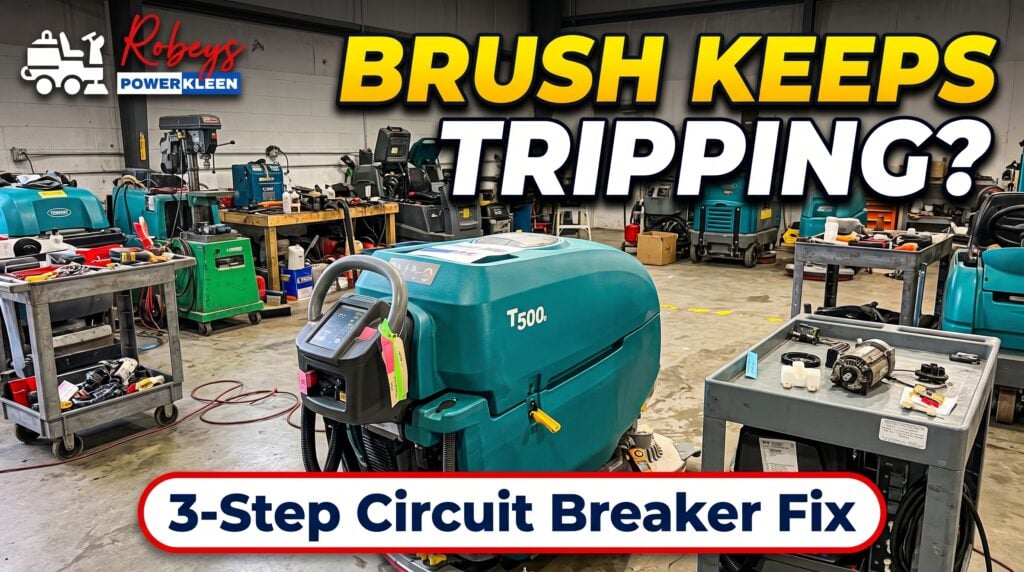
In the video below, a PowerKleen technician works through a Tennant T500e with a deck breaker that won’t stay set: checking the deck, measuring motor amp draw, inspecting the lift actuator and wiring, and replacing the breakers.
The circuit breakers sit on top of the control box. Each one protects a single circuit, so the breaker that pops tells you where to start looking.
| Breaker rating | Circuit protected |
|---|---|
| 4 A | Key switch circuit |
| 10 A | ec-H2O system, automatic battery watering system |
| 10 A | Scrub head lift actuator |
| 20 A | Vacuum motor |
| 25 A | Left brush motor |
| 25 A | Right brush motor |
| 60 A | Propel |
When the deck keeps shutting down, it’s almost always one of the two 25 A brush motor breakers. That’s the circuit this post focuses on.
Ratings from the Tennant T500 operator manual circuit breaker chart.
Our technician boils it down to three causes. Nearly every tripping breaker falls into one of them.
The catch: a worn breaker and an overworked motor look exactly the same from the operator’s seat. The only way to know which one you have is to measure.
Here’s the order our technician works in the video. It goes from the easiest checks to the deepest.
Take the pad drivers or brushes off and look underneath the scrub deck. Clear away wrapped string, shrink wrap, built-up grime, and anything jammed around the hub. Make sure the pad or brush is the right one for the floor. This is the cheapest fix there is, and it solves more trips than you’d think.
With a clamp meter on the brush motor lead, run the machine and scrub. This shows how much current the motor is actually pulling under load.
The scrub head lift actuator raises and lowers the deck and sets how hard it presses on the floor. Too much pressure means more drag, more amps, and more trips. Check that the actuator moves smoothly and that the pressure setting on the control handle fits the job.
Raise the deck and trace the brush motor wiring from the motor up to the control box. Look for:
Clean or replace any bad connection. Heat at a bad joint can trip a breaker just like an overloaded motor can.
If the motor checks out and the wiring is good, the breaker is the last suspect. In the video, our tech pulls the old breakers off the top of the control box and compares them with new ones. Swap in a new breaker of the same rating, never a bigger one. A larger breaker won’t fix the problem. It just lets the motor or wiring overheat without warning.
Put it back together and scrub. A real fix holds through a full run, not just a minute in the shop.
If your T500e keeps tripping after these checks, the problem is usually inside the motor or gearbox: worn bearings, tired carbon brushes, or a gearbox that’s starting to bind. Those are worth catching early, while it’s still a repair and not a replacement.
Rather talk it through first? Give us a call. We’re happy to help you figure out what’s going on.
Give us your name and number and our team will contact you as soon as possible.
Enter your email below to instantly unlock a $1,000 discount code toward your next equipment purchase.
🔒 We respect your privacy. No spam, ever.