

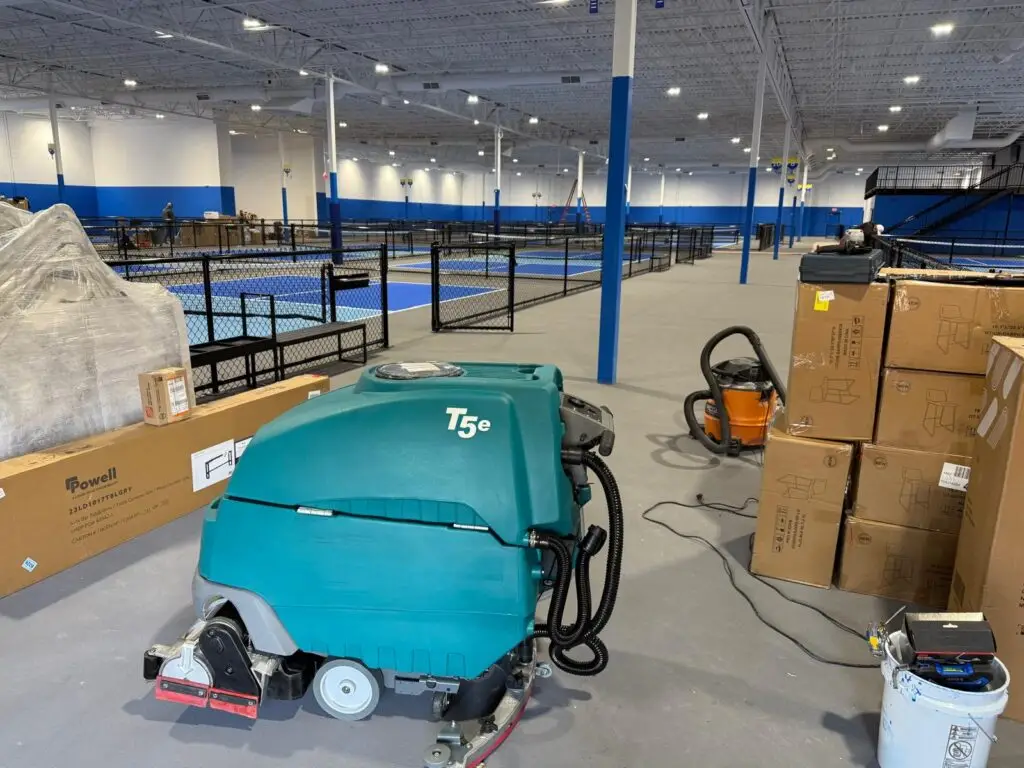
You turn the key on your Tennant T5, squeeze the bail, and nothing happens. Or the brushes stop mid-aisle. Up on the control panel, a light is flashing at you.
That flashing light isn’t random. The T5 is telling you exactly what it thinks is wrong. You just need the key to read it.
The good news: many of these codes are a 2-minute fix you can handle yourself, like a raised tank, a charger still plugged in, or a tripped breaker. Others point to a motor that’s working too hard, and those deserve a closer look before they turn into a bigger bill.
Below is the full T5 error light chart, the quick fixes to try first, and how to tell when it’s time to call in help.
The T5 uses a handful of small indicator lights near the bottom of the control panel to signal faults. Find these first:
Then watch what they do. Blinking means on and off together. Rippling means they light up one after another, like a wave. That difference matters: Lights #1, #2, and #3 rippling means something very different from those same lights blinking.
[Photo: PowerKleen T5 control panel with Lights #1 to #4 and battery lights labeled]
Match your light pattern to the row below. After most fixes, turn the key off and back on to reset.
| What the lights do | What it means | What to do | Can you fix it? |
|---|---|---|---|
| Light #1 blinks | Recovery tank is raised | Lower the recovery tank, then restart the key | Yes |
| Lights #1, #2, #3 ripple | Battery charger is connected | Unplug the charger, then restart the key | Yes |
| All battery lights blink | Emergency stop button is pressed | Turn the E-stop button clockwise to release it | Yes |
| All battery lights ripple | Key turned on while the bail was squeezed | Let go of the control handle bail, then try again | Yes |
| Light #3 blinks when you press solution, brush pressure, or FaST buttons | Supervisor lockout is on | Ask your supervisor to unlock those controls | Yes |
| Light #3 blinks | FaST pump overload or malfunction | Reset the 10A circuit breaker, then restart the key | Try first |
| Lights #1, #2, #3 blink | Wand pump overload or malfunction | Reset the 10A circuit breaker, then restart the key | Try first |
| Lights #1 and #4 blink | Left brush motor overload | Check the brush for wrapped debris or the wrong pad, then restart the key | Try first |
| Lights #3 and #4 blink | Right brush motor overload | Check the brush for wrapped debris or the wrong pad, then restart the key | Try first |
| Lights #1 and #3 blink | Scrub head is blocked or the actuator motor is failing | Check under the scrub head for anything jammed, then restart the key | Try first |
| Lights #2 and #3 blink | Propel motor overload, or the incline is too steep | Move to level ground and restart the key | Try first |
| Light #2 blinks | Vacuum motor malfunction | Stop and call for service | Call us |
| Lights #1 and #2 blink | Propel throttle malfunction | Stop and call for service | Call us |
“Try first” means the fix is worth a try, but if the same code comes back, the problem is deeper than a quick reset.
Chart based on the Tennant T5 operator manual fault indicator codes.
Before you pick up the phone, run through this list. These clear more “dead machine” calls than anything else.
If the light clears and stays clear, you’re back in business.
A code that clears once is a hiccup. A code that keeps coming back is a pattern.
When a brush motor overloads again and again, the motor is often working harder than it should. Worn bearings, tired carbon brushes, or a gearbox that’s starting to bind can all cause it. A propel motor that keeps overloading on flat floors is telling you something similar. And a vacuum motor or throttle fault isn’t a reset problem at all.
Keep resetting and the machine will usually keep running, right up until it doesn’t. That’s when a small repair becomes a big one, often in the middle of a shift.
Our consultation service connects you with a technician who knows the T5 inside and out. Tell us what you’re seeing, and we’ll help you figure out whether it’s a quick fix, a part you can swap yourself, or something that needs a tech on site.
To get the most out of your consultation, have this ready:
Already under a PowerKleen warranty? Skip the form and call us directly. We’ll get you straight to a tech.
Sometimes the honest answer to “how do I fix this code?” is a different question: is this machine still worth fixing?
Only you know how your T5 fits your operation. These questions can help you see it clearly:
If most of your answers point toward “this keeps happening,” you may be paying to keep an old machine alive when the same money could move you into a better one.
PowerKleen takes trade-ins. Your current T5, even one throwing codes, can go toward a refurbished or new scrubber that’s been gone through inside and out, from the motors to the gearbox.
We’ll look at what you have, what you need, and what makes sense for your budget. No pressure, just a straight comparison of repair cost against upgrade cost.
Either way, you’ll know exactly where you stand before you spend another dollar.
Give us your name and number and our team will contact you as soon as possible.
Enter your email below to instantly unlock a $1,000 discount code toward your next equipment purchase.
🔒 We respect your privacy. No spam, ever.